 RankStreet

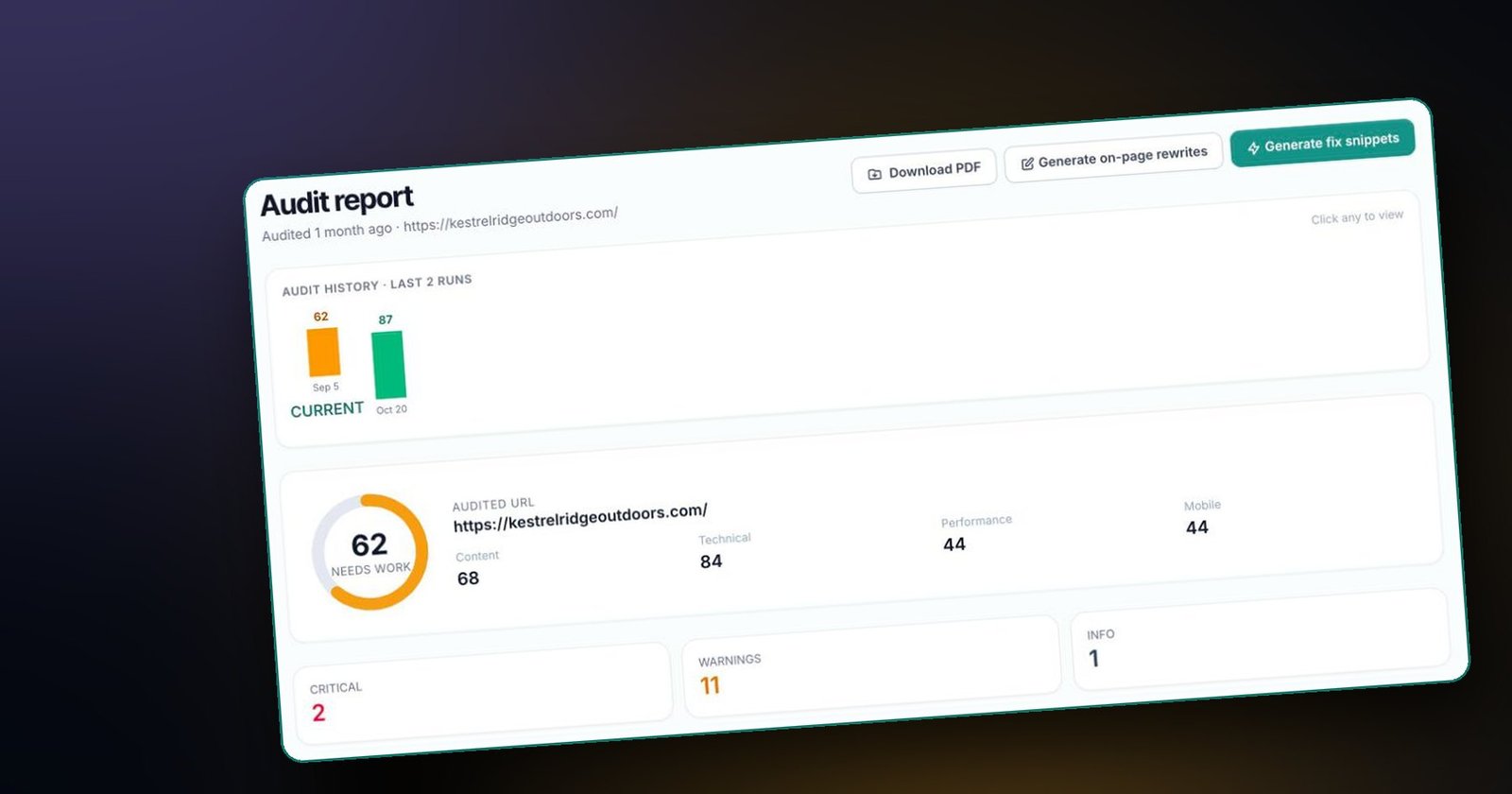
An audit is a diagnosis, not a cure. Its value lies entirely in what you do next. The most common mistake we see is not a bad score; it is a team running an audit, feeling overwhelmed by 40 findings and fixing none of them. This guide is designed to stop that from happening.
What a free website audit checks in 2026
"SEO audit" used to mean broken links and missing meta descriptions. A modern audit covers four areas, plus a fifth that most free tools still ignore.
1. Content and targeting
Is the page clearly about one topic? Does the target keyword appear in the title, H1, first H2 and body? Is there enough substantive main content to answer the questions a visitor, or an AI system, would have? Is there an author, and is the content current?
2. Technical SEO
Can search engines crawl and index the page? This covers HTTPS, canonical tags, robots directives, the XML sitemap, status codes, structured data and security headers.
3. Performance
How fast and stable does the page feel? Core Web Vitals measure this: Largest Contentful Paint (LCP) for loading, Interaction to Next Paint (INP) for responsiveness and Cumulative Layout Shift (CLS) for visual stability. Google's "good" thresholds are 2.5 seconds, 200 milliseconds and 0.1 respectively.
4. Mobile experience
Google indexes the mobile version of your site. The audit checks the viewport, font sizes, tap target sizes and whether content fits the screen without sideways scrolling.
5. AEO and AI-search readiness
Can Google's AI Overviews and assistants such as ChatGPT, Claude, Perplexity and Gemini quote your page? This depends on direct answers, question-led structure, structured data and trust signals. It is the newest area and the one most free tools skip. Our guide to SEO vs AEO vs GEO explains why it matters.
RankStreet's free audit runs 60+ checks across all of these and rolls them into one score out of 100 with a section breakdown. Run a free website audit on any URL; the anonymous run needs no signup.
How to read your free website audit score
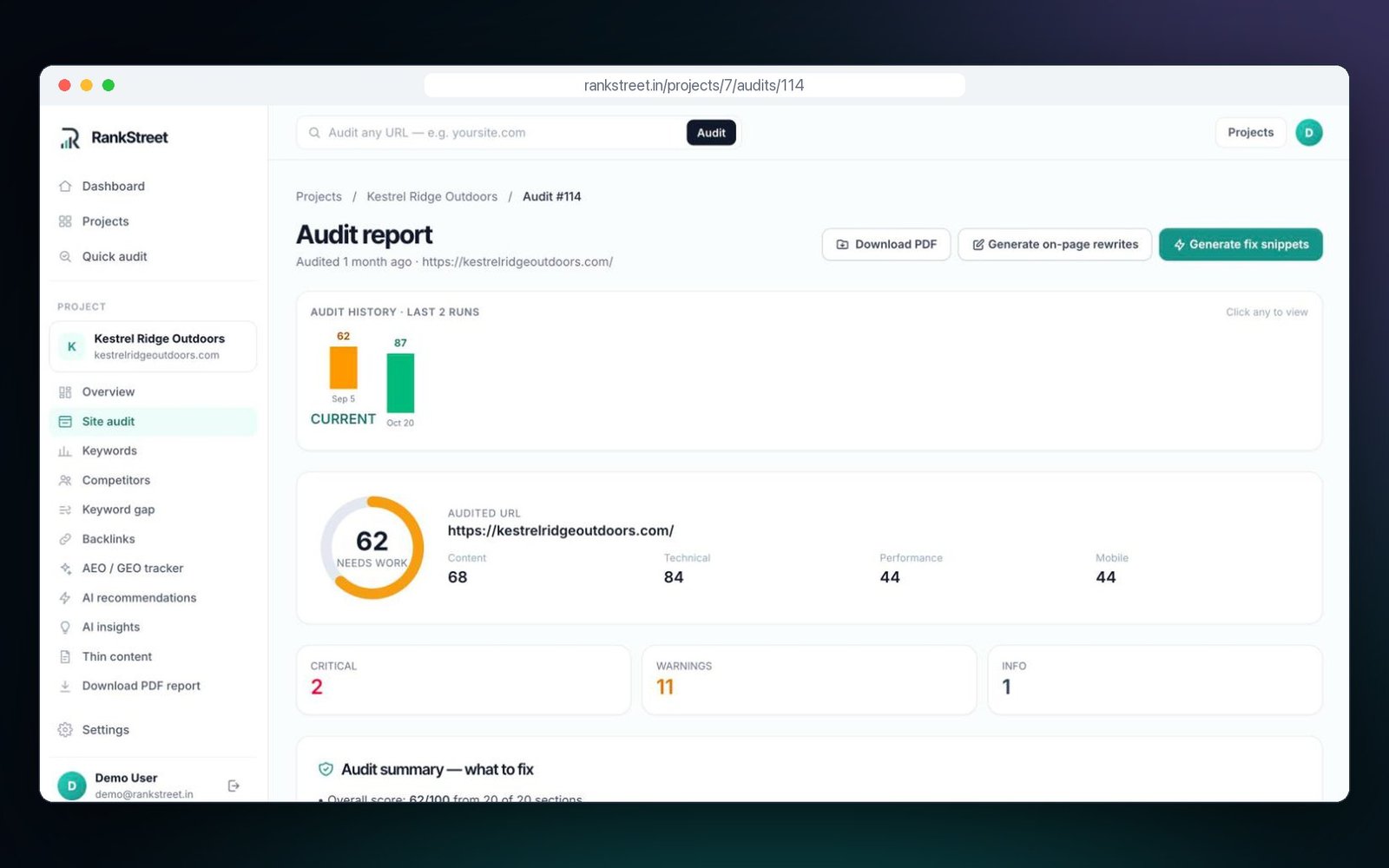
The overall score is useful for tracking progress, but the section breakdown is where the decisions are. Use these bands as a guide:
| Score | What it usually means | What to do |
|---|---|---|
| 90 to 100 | Excellent; few meaningful gaps | Maintain; re-audit monthly |
| 70 to 89 | Good; a few specific fixes away from excellent | Ship the top two or three action items |
| 50 to 69 | Needs work; at least one section has a material gap | Find the weakest section and fix it first |
| Below 50 | Structural problems | Fix the foundations before chasing keywords |
A real example: our own site, digistreetmedia.com, currently scores 65, "Needs work". Its technical section is strong, with HTTPS, canonicals, robots and sitemap in place and six structured data types detected. The score is held back by thin main content on the homepage and by mobile performance. That breakdown tells us exactly where to spend time, which the number 65 alone never could. The full story is in our SEO audit case study.
And a reassurance: a page can rank well with a middling score, and a high score does not guarantee rankings. Our site ranks #1 for one of its core keywords with that 65. The score measures how closely a page follows good practice; raising it improves your odds across more queries.
The three fixes to make first
If you have one afternoon, do these. They are the highest-leverage fixes on most sites we audit.
Fix 1: make the target keyword obvious
The page should be obviously about one thing, and the title and H1 should agree. RankStreet detects your target keyword from the title and meta description, then checks whether it appears in the H1, first H2, body and FAQ.
- Before: Title "Interior Designers in Hyderabad | Studio Name", H1 "Spaces That Inspire".
- After: Title unchanged, H1 "Interior Designers in Hyderabad", with "Spaces That Inspire" as a subheading.
Do not stuff the keyword everywhere. Be explicit once in each key place and write naturally around it.
Fix 2: lead with a direct answer and add a genuine FAQ
Rewrite the first 40 to 80 words of the page to say plainly what you offer, for whom and where. Then add a visible FAQ with four to eight real questions from customers, marked up with FAQPage JSON-LD.
{
  "@context": "https://schema.org",
  "@type": "FAQPage",
  "mainEntity": [{
    "@type": "Question",
    "name": "How much does a 2BHK interior design project cost in Hyderabad?",
    "acceptedAnswer": {
      "@type": "Answer",
      "text": "Costs depend on scope and materials. Share your floor plan and requirements for an itemised estimate; the answer on your page should state your actual range and what it includes."
    }
  }]
}
Replace the example answer with your real pricing range and inclusions. Google limits FAQ rich results to a small set of authoritative sites these days, so the value is clarity for AI answers and readers rather than SERP decoration. Our FAQ schema markup guide covers the rules.
Fix 3: get mobile LCP under 2.5 seconds
On most sites, the hero image is the LCP element and the main culprit. Compress it to WebP or AVIF, ideally under about 200 KB, set explicit width and height, add fetchpriority="high" and never lazy-load it. Lazy-load images further down instead. Our Core Web Vitals case study shows this fix cutting mobile LCP from 6.2 to 3.4 seconds in a week.
Reading an audit: a worked walkthrough
Here is how we would read a typical result for a small business homepage, using an illustrative example rather than a real client.
| Section | Score | Top finding |
|---|---|---|
| Content | 58 | Target keyword missing from H1; main content under 300 words |
| Technical | 81 | No Organization markup; otherwise healthy |
| Performance | 44 | LCP 4.8s on mobile; hero image 1.2 MB |
| Mobile | 69 | Tap targets too close together in the footer |
The reading: technical is fine, so do not start there. Performance is the weakest section and has a single obvious cause, so the hero image is fix number one. Content is second, and the H1 change takes five minutes. The thin main content is the bigger job, so schedule it for later in the week. Organization markup and footer spacing come after that. Four findings, a clear order, and no need to look at the remaining long tail until these are shipped.
A 30-minute free website audit plan
- Minutes 0 to 5: run the audit on your most important page, usually the homepage or main service page.
- Minutes 5 to 10: note the weakest section and the top three action items.
- Minutes 10 to 15: audit one competitor's equivalent page and compare section scores. The free RankStreet Chrome extension makes this quick while you browse.
- Minutes 15 to 25: make the quickest fix now, often the H1 or meta description.
- Minutes 25 to 30: schedule the other two fixes for this week and save the site as a project so you can re-audit and track progress.
What not to do after your first audit
- Do not try to fix everything at once. Ship the top three, re-audit, repeat.
- Do not chase 100. A deep, useful page at 85 beats a thin page at 100.
- Do not ignore AI-search readiness because you do not see AI traffic in analytics yet. AI Overviews draw on the same signals, and AI referrals are often under-reported.
- Do not buy a redesign to fix an SEO score. Most gains come from specific, small changes.
Why audits matter more heading into 2027
Search is spreading across more surfaces: classic results, AI Overviews, assistants, voice and image search, and, we expect, AI agents that research and compare on a user's behalf. Each surface reads your page slightly differently, but all of them reward the same basics: clear purpose, substantive content, structured facts, trust signals and fast, stable pages. A regular audit is the cheapest way to check you are meeting that bar, page by page. For the bigger picture, see SEO trends for 2027 and our honest comparison of free SEO audit tools.
After the free audit: going further
When the first fixes are done, a free RankStreet account lets you save projects, schedule re-audits, track keyword rankings and share of voice, monitor AI mentions with the AEO/GEO tracker, get AI fix suggestions and export PDF reports. If the audit reveals deeper problems, such as a messy migration history, large-scale duplicate content or a content strategy that needs rebuilding, a senior team can save months. Digistreet Media has been doing that work for 13 years.
Frequently asked questions
How do I get a free website audit?
Paste your URL into a free audit tool such as RankStreet's quick audit. It checks content, technical SEO, performance, mobile experience and AI-search readiness, then returns a score with a prioritised fix list, usually in under a minute.
What does a free website audit check?
A modern audit checks keyword targeting and content depth, crawlability and indexing, structured data, Core Web Vitals, mobile usability and whether AI systems can quote the page. Older tools often skip the last area.
What is a good website audit score?
On RankStreet, 70 to 89 is good and 90 or above is excellent. Below 70 means at least one section needs work. Focus on the weakest section rather than the overall number.
Is a free audit as good as a paid one?
For a single page, a good free audit covers the most important checks. Paid audits and agency reviews add site-wide crawling, competitor analysis, strategy and implementation help.
How often should I audit my website?
Audit your key pages monthly and after any significant change, such as a redesign, migration or new template. Re-audit after each batch of fixes to confirm they worked.
Ready to put this into practice?
Run a free 60-point audit on any URL and get a prioritised fix list in under a minute.
About the publisher
Built by Digistreet Media
RankStreet is built and operated by Digistreet Media — a digital marketing and SEO agency with 13+ years across Finance, FMCG, Real Estate, B2B, Automobiles, Fashion, SaaS, Healthcare and Commerce. Prefer a senior team to run the audit and the fixes for you? Talk to Digistreet.